Moscow is a city you cannot wing on arrival. Most Western networks suspended roaming in Russia back in 2022, so the plan you use everywhere else likely shows "no service" here - and foreign Visa and Mastercard cards do not work either, so you cannot simply buy your way out of the problem at the airport. A travel eSIM installed before you enter Russia is one of the few reliable ways to land connected; the full Russia guide explains the background.
The network itself is excellent. Moscow is home turf for all four Russian operators - MTS, MegaFon, Beeline and Tele2 (now branded t2) - and 4G is fast and dense across the centre, the Garden Ring, and out to the suburbs. The famous metro is genuinely connected: stations and most tunnel sections carry 4G from the major operators, which is rare for a system this deep. Two honest caveats. First, foreign SIMs and eSIMs face a 24-hour cooling-off block on mobile data and SMS when they first register on a Russian network; since late 2025 you can lift it early by following the verification link that arrives by SMS and passing a captcha, and voice calls are generally unaffected. Second, authorities periodically restrict mobile internet citywide during drone-related security alerts - sometimes for hours, occasionally longer. Fixed-line Wi-Fi (your hotel) keeps working during these windows, so download offline Yandex Maps and keep some cash as a fallback.
- Yandex Maps beats Google Maps in Moscow by a wide margin - better addresses, building entrances, and live metro and bus data, with a solid English mode. Download the offline city map on hotel Wi-Fi.
- Yandex Go is the ride-hailing app; Uber does not operate in Russia. You can set the app to pay the driver in cash, which matters because your foreign cards will not work in the car either.
- Telegram is what hotels, guides and locals actually use - set it up before the trip. Instagram, Facebook and X are blocked in Russia; travellers who want them install a reputable VPN before arrival, since VPN sites are often unreachable from inside the country and reliability fluctuates.
- Cash is king: pay for the metro with a Troika card bought at any ticket window with rubles (bring euros or dollars to exchange). Foreign contactless cards and Apple/Google Pay do not work at the turnstiles.
Aeroexpress trains link Sheremetyevo, Domodedovo and Vnukovo airports with central rail terminals, with taxis via Yandex Go as the alternative. Plan for the cooling-off period: if your eSIM data is blocked for the first stretch, have your hotel address saved offline and complete the SMS verification once it arrives. Airport Wi-Fi usually requires SMS confirmation to a Russian number, so it is not a workaround - install and test the eSIM before you fly.
More than a typical European city break. Everything routes through data here: Yandex navigation in a city this large, camera translation for Cyrillic menus and signs, Telegram for every booking, and VPN overhead if you use one. Budget 1-2GB per week for the basics and 3-5GB if you add social apps, photos and ride-hailing; top up from your dashboard if the trip runs long.
December to February demands serious kit: an insulated coat, hat, gloves and waterproof boots for the slush. But Moscow interiors run hot and the metro is warm, so the real skill is layers you can shed - museums and theatres have a garderob (coat check), and using it is expected, often mandatory. For the Bolshoi or a nicer restaurant, smart casual is the safe line; there is no strict enforced dress code, but shorts and flip-flops will feel very out of place. Summers are genuinely warm - light clothes plus one evening layer.
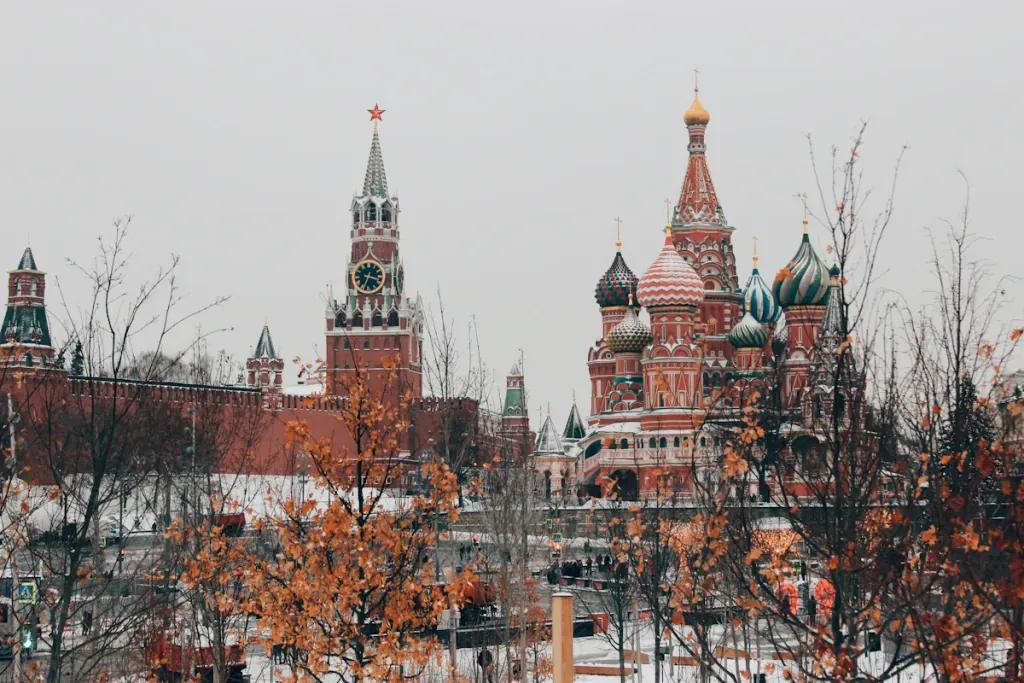
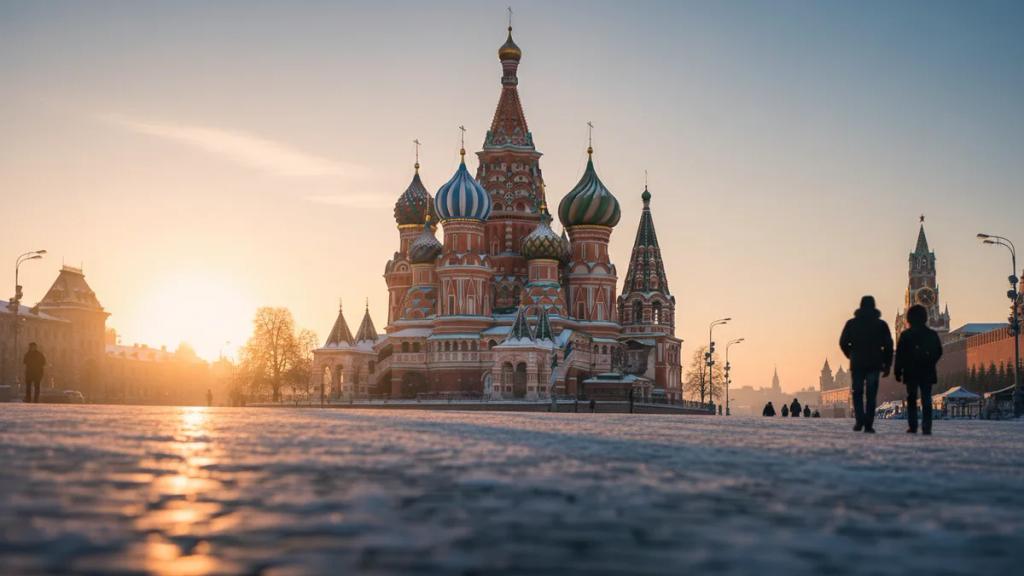
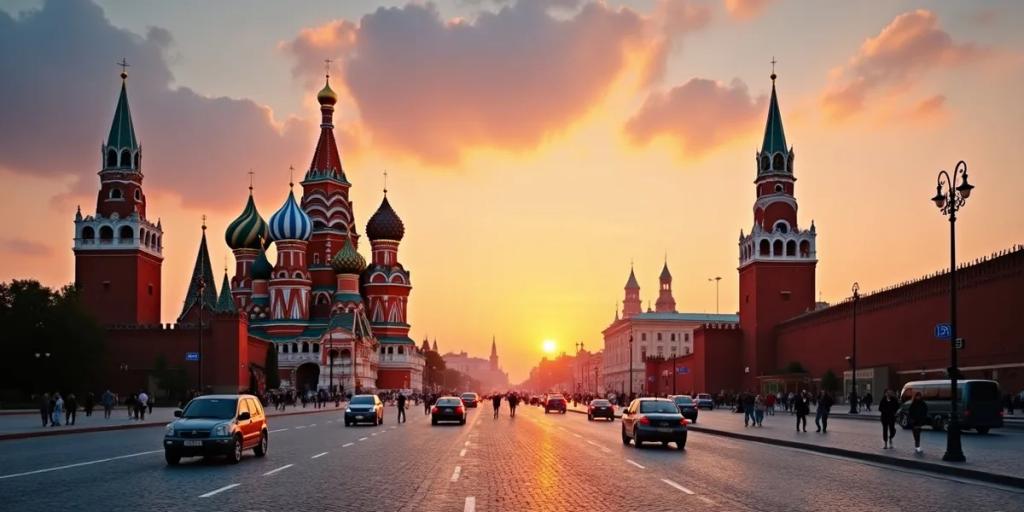
The St Basil's shot most people miss is from the floating bridge in Zaryadye Park - the V-shaped platform hangs over the river and lines up the cathedral, the Kremlin walls and the water in one frame; go at dusk. Red Square itself is at its best after dark, when everything is floodlit and GUM's facade glows with thousands of bulbs - pure magic against winter snow. Underground, Komsomolskaya's baroque ceiling and Mayakovskaya's mosaics reward a wide angle from the centre of the hall late in the evening, when platforms empty out. Tripods in the metro technically need permission, and drone flying over Moscow is banned for civilians - leave it at home.
The Moscow Metro doubles as an underground museum: more than 40 stations are listed as cultural heritage sites. The Kremlin is often cited as Europe's largest medieval fortress still in active use, its walls enclosing about 27 hectares. And Moscow's stray dogs famously learned to commute by metro - a documented phenomenon studied by researchers, commemorated by a bronze statue of a dog called Malchik at Mendeleyevskaya station.
Victory Day (9 May) is the big one: a military parade on Red Square with major closures across the centre, and rehearsal days in the preceding weeks shut streets too - Red Square itself is often fenced off for much of late April into early May. Maslenitsa, the pancake festival, fills parks in late February or early March. And note the calendar flip: New Year (31 December) is Russia's main holiday, with festive markets dressing the centre from mid-December, while Christmas falls on 7 January and is a quieter, religious affair.
The rave reviews are earned: the metro's palatial stations, world-class museums like the Tretyakov and Pushkin, and an architectural scale and drama few cities match - and once your payment workarounds are sorted, prices feel gentle by Western capital standards. The complaints are equally real. The practical friction for foreign visitors is heavy: cards that do not work, apps that are blocked, occasional internet shutdowns. Winter days are short and often relentlessly grey - one recent December logged only a few minutes of sunshine all month. English is thin outside the centre, and getting there now means a visa plus indirect flights via hubs like Istanbul or Dubai, so check your government's travel advice before booking.
Yes - all four major operators cover the stations and most tunnel sections with 4G, so maps and messengers keep working on the move. The metro's own free Wi-Fi requires registration with a Russian phone number, so treat the mobile signal as your connection down there.
Russia applies a 24-hour block on mobile data and SMS for any foreign SIM or eSIM that newly registers on its networks, introduced as an anti-drone measure. You can usually lift it within minutes via the SMS verification link and captcha; if nothing arrives, toggling airplane mode or reselecting the network manually often prompts it.
No. Russian law requires identification for public Wi-Fi, normally via an SMS code sent to a Russian number that you will not have. Hotel Wi-Fi works fine and is your backup during mobile internet restrictions, but between hotel and hotel you need your own data.