Narita Airport Wi-Fi, SIM Cards & eSIM: Land Online (2026)
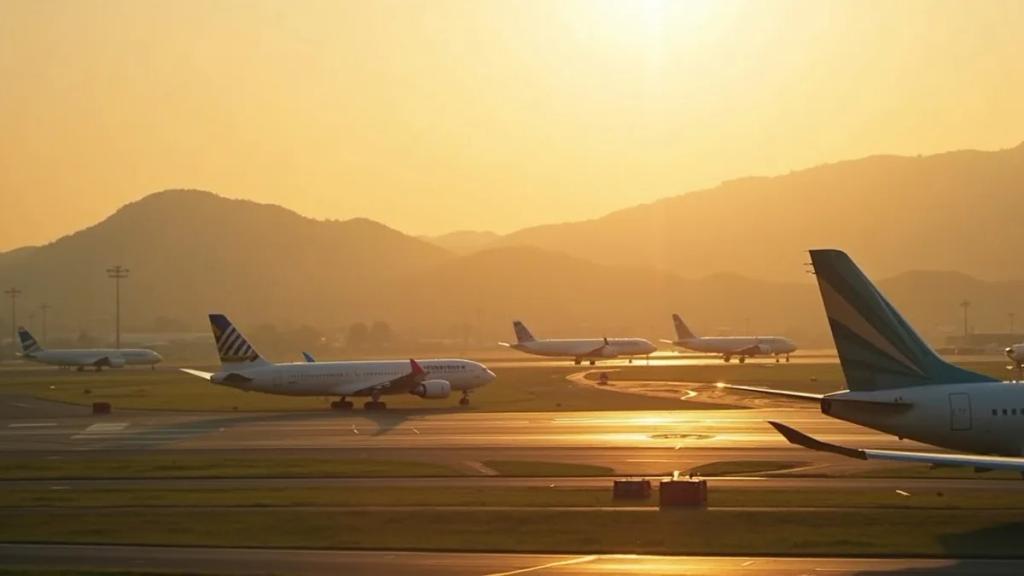
Narita has genuinely good free Wi-Fi ("FreeWiFi-NARITA"), SIM counters and vending machines in arrivals, and strong 4G/5G - so you will not be offline, but each option costs something different: the Wi-Fi ends when you board the train to Tokyo, the arrivals SIM market is data-only and priced for convenience, and roaming in Japan is where many networks charge their worst rates. The smart play is a Japan eSIM from £1.75 installed at home, so your phone registers on a Japanese network while the plane is still taxiing. Here is exactly what awaits at NRT, verified against Narita Airport's own Wi-Fi page.
Is the Wi-Fi at Narita actually free?
Yes, and it is one of the better airport networks out there. Narita Airport states it provides Wi-Fi access points in all terminals and on the terminal shuttle buses - select "FreeWiFi-NARITA" in your Wi-Fi settings, and a connection screen appears asking you to agree to the terms of use and a security notice. No password, no fee, no account creation.
The honest caveats are the usual ones:
- It ends at the train gates. The signal covers the terminals and shuttle buses, not the Narita Express once it pulls out, and not the 60-plus kilometres to Tokyo.
- It is an open public network with a security caution built into its own login screen. Fine for messages; think twice before banking on it.
- Speeds can sag when three widebodies unload onto the same access points at once.
Free terminal Wi-Fi is genuinely useful for one thing: downloading and activating your eSIM if you forgot to do it at home. More on that below.
Can you buy a SIM card at Narita arrivals?
Yes - Narita's arrivals areas have SIM vending machines and staffed counters selling tourist SIMs from brands like IIJmio, Mobal and Sakura Mobile. But Japan's tourist SIM market has a quirk worth knowing before you queue:
- Almost everything sold to tourists is data-only. Japanese law makes voice SIMs hard to sell without local ID and registration, so the vending-machine SIMs give you data but no Japanese phone number. For most travellers that is fine; if you need local calls, your options narrow fast.
- Airport pricing. The arrivals counter carries an airport premium over what the same data costs online or in town - convenience is the product.
- Physical swap. Your home SIM comes out, which matters when your bank texts a verification code the moment you buy your first train ticket.
For a long stay, ordering a physical SIM online for hotel delivery beats the arrivals counter on price. For everyone else, there is a simpler answer.
What is the smarter play for landing online?
Install a Japan eSIM before you fly. It takes two minutes on your home Wi-Fi: buy, scan the QR code, and leave the line switched off until landing. When the wheels touch at Narita, turn it on and your phone joins a Japanese network while everyone else is still deciphering the vending machine menu.
| Data | Duration | Price |
|---|---|---|
| 1GB Data | 7 Days | £1.75 |
| 3GB Data | 15 Days | £4.32 |
| 5GB Data | 30 Days | £5.98 |
| 10GB Data | 30 Days | £9.97 |
| 20GB Data | 30 Days | £16.62 |
| 50GB Data | 30 Days | £25.68 |
| 1 Day | 1 Day | £2.59 |
| 2 Days | 2 Days | £5.19 |
| 3 Days | 3 Days | £7.78 |
| 4 Days | 4 Days | £10.20 |
| 5 Days | 5 Days | £12.93 |
| 6 Days | 6 Days | £15.67 |
| 7 Days | 7 Days | £18.41 |
| 8 Days | 8 Days | £19.78 |
| 9 Days | 9 Days | £21.83 |
| 10 Days | 10 Days | £23.20 |
| 11 Days | 11 Days | £25.25 |
| 12 Days | 12 Days | £27.30 |
| 13 Days | 13 Days | £28.67 |
| 14 Days | 14 Days | £30.04 |
| 15 Days | 15 Days | £32.09 |
| 16 Days | 16 Days | £33.46 |
| 17 Days | 17 Days | £34.15 |
| 18 Days | 18 Days | £35.51 |
| 19 Days | 19 Days | £37.57 |
| 20 Days | 20 Days | £38.94 |
| 21 Days | 21 Days | £40.30 |
| 22 Days | 22 Days | £40.99 |
| 23 Days | 23 Days | £41.67 |
| 24 Days | 24 Days | £42.36 |
| 25 Days | 25 Days | £43.04 |
| 26 Days | 26 Days | £43.73 |
| 27 Days | 27 Days | £44.41 |
| 28 Days | 28 Days | £45.09 |
| 29 Days | 29 Days | £45.78 |
| 30 Days | 30 Days | £47.15 |
- Fixed price you chose in advance - no airport premium, no roaming shock on next month's bill.
- Your home SIM stays in for calls, texts and 2FA codes via dual SIM - which neatly sidesteps Japan's data-only SIM limitation.
- Top up from the dashboard if Tokyo eats more data than planned. It will.
What actually needs data the moment you land: Narita Express or Skyliner?
Your first real decision at NRT is the train, and it is worth making with a live connection:
- Narita Express (N'EX) runs direct to Tokyo Station in roughly 55 minutes, continuing to Shibuya, Shinjuku and Yokohama - around ¥3,000 one way, and covered by the Japan Rail Pass. Pick it if your hotel is on the west side (Shinjuku, Shibuya) or you are connecting onward by shinkansen.
- Keisei Skyliner reaches Nippori in about 36 minutes and Keisei Ueno in roughly 41 - around ¥2,500-2,600, often less with online advance tickets. Pick it if you are staying around Ueno, Asakusa or the east side. It is the faster train; it just goes to a different Tokyo.
- Budget options: the Keisei Access Express (around ¥1,300-1,500, direct to Asakusa) and low-cost airport buses to Tokyo Station for a similar price, trading speed for savings.
All of this - comparing live timetables, buying discounted Skyliner e-tickets, adding a Suica card to Apple Wallet (which needs a connection), messaging your hotel, and the inevitable "just landed" - happens right where the terminal Wi-Fi fades. Taxis and app-hailed cars from Narita are the wrong answer for most travellers: the airport sits far from the city and fares commonly run to eye-watering sums.
What if Narita is just your layover?
Transit passengers get the same FreeWiFi-NARITA throughout the terminals, which covers a short connection comfortably. For long layovers, leaving the airport is realistic: Narita town's temple, Naritasan Shinsho-ji, is two train stops away. The moment you exit, though, the connectivity gap begins - a Japan eSIM turns an eight-hour layover into a usable afternoon with maps and train times in your pocket. And if you are routing through Tokyo in spring on purpose, our cherry blossom season guide explains why late March is worth more than a layover.
How do you set it up before the flight lands?
- Buy the £1.75 Japan plan at home and scan the QR code on your home Wi-Fi.
- Leave the eSIM line switched off for the flight.
- After landing, turn it on and set it as your data line; switch data roaming OFF on your home SIM.
- You are online during taxi-in - before the seatbelt sign is off.
- Forgot to install? Connect to "FreeWiFi-NARITA" in arrivals, download and activate the eSIM there - still faster than the SIM counter queue.
The bottom line
Narita will not leave you offline: the terminal Wi-Fi is free and covers everything including the shuttle buses, and the arrivals hall sells SIMs. But the Wi-Fi stops at the train gates, and the SIMs are data-only convenience products at airport prices. A Japan eSIM from £1.75 installed before departure keeps your home number live for bank codes and has you online from touchdown through the Narita Express versus Skyliner decision.
Is there a time limit on Narita's free Wi-Fi?
Narita's official page describes FreeWiFi-NARITA as available across all terminals and shuttle buses after agreeing to the terms on the connection screen, without advertising a session cap. If a session does drop, reconnecting through the portal restores access. For anything beyond the terminal, you need mobile data.
How much does a SIM card cost at Narita Airport?
The vending machines and counters sell data-only tourist SIMs at a premium over online and in-town prices for the same networks - convenience pricing, and no Japanese phone number included. A Japan eSIM from £1.75 bought before you fly avoids the premium, the queue, and the SIM swap.
Can I just use my phone's roaming in Japan instead?
Technically yes - Japanese networks pick up foreign phones immediately. The catch is price: Japan sits outside every European roaming zone and most networks' cheap-roaming lists, so per-day or per-MB rates can be severe. Check your network's Japan rate before assuming it beats a fixed-price eSIM.
Do the trains from Narita have Wi-Fi or mobile signal?
Both the Narita Express and the Skyliner advertise onboard Wi-Fi, and mobile coverage along both routes into Tokyo is generally strong. Treat onboard train Wi-Fi as a bonus rather than a plan - it can crawl when the carriage is full.
Should I take the Narita Express or the Keisei Skyliner?
Skyliner if your hotel is near Ueno, Asakusa or eastern Tokyo: it is the fastest train and usually cheaper. Narita Express if you are heading to Tokyo Station, Shibuya, Shinjuku or Yokohama, or hold a Japan Rail Pass that covers it. Either way, buying tickets is smoother with data already working.
Land at Narita already online
A Japan eSIM from eSIMpass installs at home in two minutes - fixed price, Japanese network from touchdown, your home number kept via dual SIM, top-up anytime.
Get Your Japan eSIM